.png?width=568&height=196&name=TABL%20Logo%20(Flipped).png)

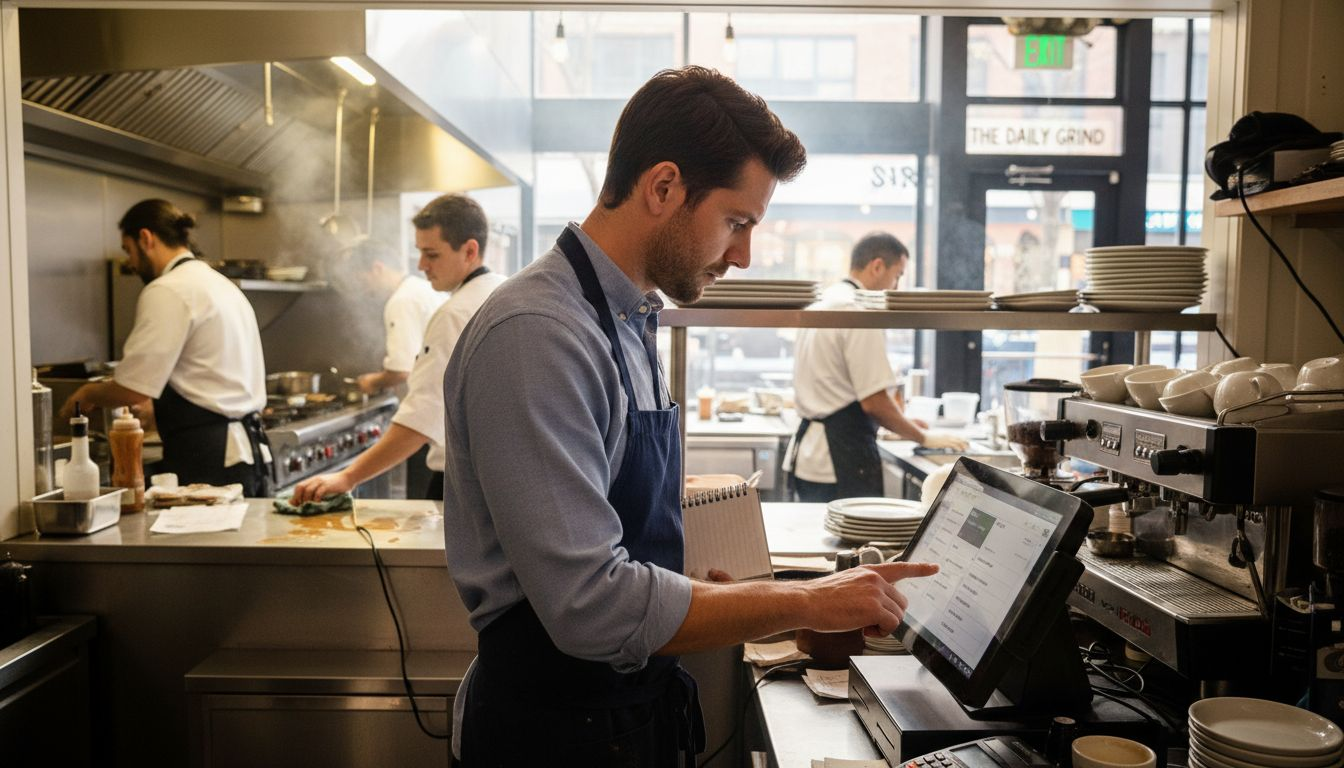


Opening a restaurant is one of the riskiest ventures you can take. You’ve got rent, permits,...
Running a busy restaurant in any American city often means juggling orders from multiple service channels while keeping errors at bay. With rising demand for flexible dining options, many owners now face the challenge of maintaining fast, seamless service across dine-in, pickup, and delivery. By adopting a digital POS and menu system, you can dramatically reduce manual errors, improve order accuracy, and create a more connected experience for your staff and customers. This guide walks through practical steps to help you adopt and optimize efficient restaurant POS solutions for every service type.
Table of Contents
- Step 1: Set Up Digital POS And Menu System
- Step 2: Integrate Ordering Channels And Delivery Platforms
- Step 3: Configure Order Routing For Kitchen And Staff
- Step 4: Process And Track Orders In Real Time
- Step 5: Verify Order Accuracy And Complete Fulfillment
Quick Summary
| Key Message | Explanation |
|---|---|
| 1. Implement a Digital POS System | A digital Point of Sale streamlines orders, improves accuracy, and enhances customer satisfaction significantly. |
| 2. Integrate Ordering Channels | Connecting multiple delivery platforms optimizes revenue and ensures consistent service quality across all channels. |
| 3. Optimize Order Routing | Efficiently configuring order routing minimizes preparation time and reduces potential errors in the kitchen. |
| 4. Utilize Real-Time Tracking | A robust tracking system allows instantaneous updates, improving communication and reducing service delays. |
| 5. Ensure Order Verification | Implementing order accuracy checks throughout the process enhances customer service and reduces mistakes. |
Step 1: Set Up Digital POS and Menu System
Setting up a digital Point of Sale (POS) and menu system transforms your restaurant’s operational efficiency. By leveraging modern digital technologies, you can streamline order processing, reduce errors, and enhance customer satisfaction.
To begin your digital transformation, first evaluate your current restaurant infrastructure and select a robust digital menu management system. Your ideal system should offer several critical features:
- Real-time order tracking
- Seamless communication between front-of-house and kitchen staff
- Ability to update menus instantly
- Integration with multiple ordering channels
- Inventory management capabilities
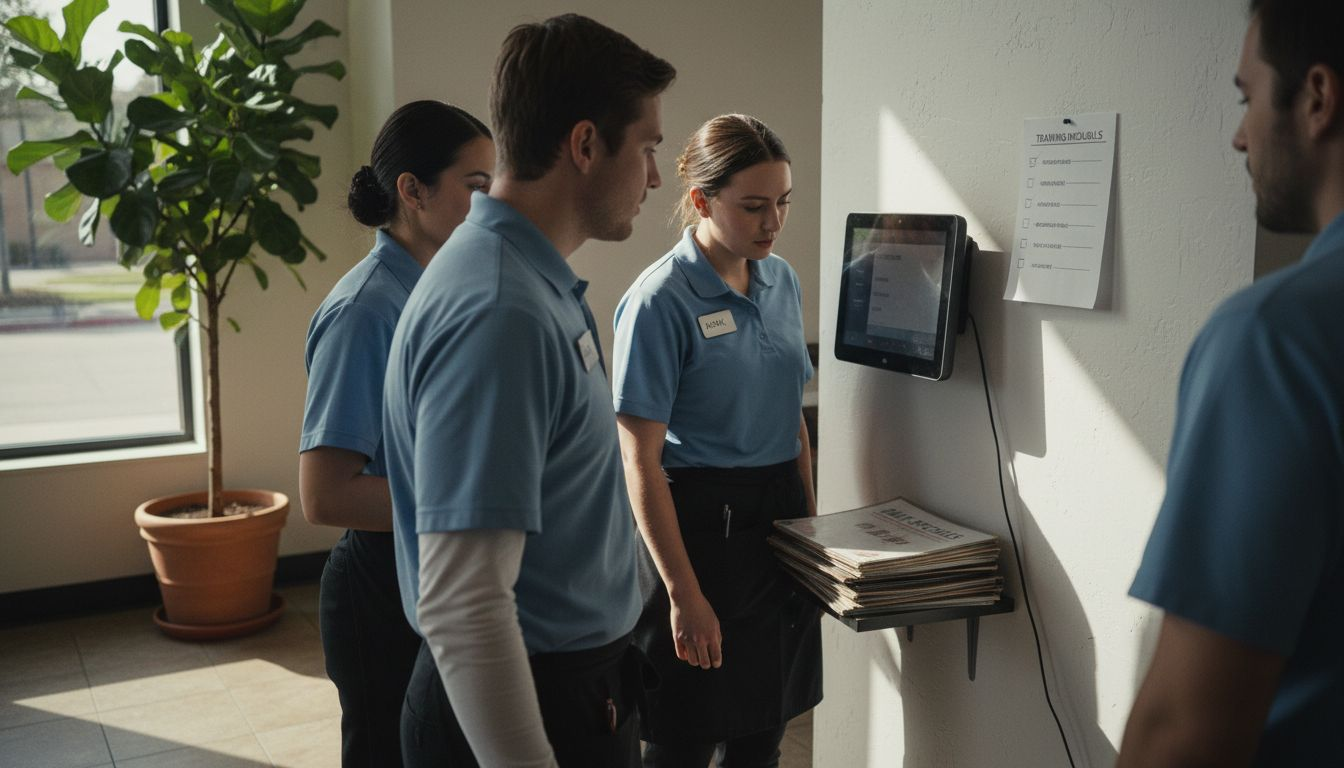
When implementing your digital POS, focus on comprehensive staff training. Ensuring your team understands the new system’s nuances will minimize disruption and maximize adoption. Consider selecting a platform with intuitive interfaces and robust support resources.
Here’s a quick comparison of key digital POS features and their impact on restaurant operations:
| Feature | Operational Benefit | Customer Impact |
|---|---|---|
| Real-time order tracking | Reduces errors, speeds processing | Shorter wait times |
| Seamless staff communication | Improves workflow efficiency | Smoother dining experience |
| Menu update capabilities | Enables instant changes | Up-to-date choices |
| Multi-channel integration | Centralizes orders | Consistent service quality |
| Inventory management | Lowers waste, prevents shortages | Fewer out-of-stock surprises |
Successful digital POS implementation requires strategic planning and team-wide commitment to technological adaptation.
As you transition, prioritize systems that offer flexibility and scalability. Modern restaurant technologies should adapt to your specific operational needs, whether you’re managing a small cafe or a large restaurant chain.
Pro Tip: Conduct a small pilot test with a subset of your staff before full system rollout to identify and address potential implementation challenges.
Step 2: Integrate Ordering Channels and Delivery Platforms
Integrating multiple ordering channels and delivery platforms is crucial for expanding your restaurant’s reach and optimizing revenue streams. By creating a comprehensive digital ecosystem, you can connect with more customers and streamline your operations.
Start by analyzing delivery platform performance and selecting platforms that align with your restaurant’s specific needs. Consider key factors such as:
- Customer demographics
- Platform commission rates
- Technical integration capabilities
- Geographic coverage
- User interface and ease of use
Establish a unified ordering system that can simultaneously manage orders from multiple channels. This approach ensures consistent service quality and reduces potential errors in order processing. Look for POS solutions that offer seamless integration with popular delivery platforms like DoorDash, Uber Eats, and Grubhub.
Strategic multi-channel integration can significantly enhance your restaurant’s visibility and customer accessibility.
Implement robust technical infrastructure that enables real-time order synchronization across different platforms. This means your kitchen staff receives accurate, consolidated information regardless of the ordering source.
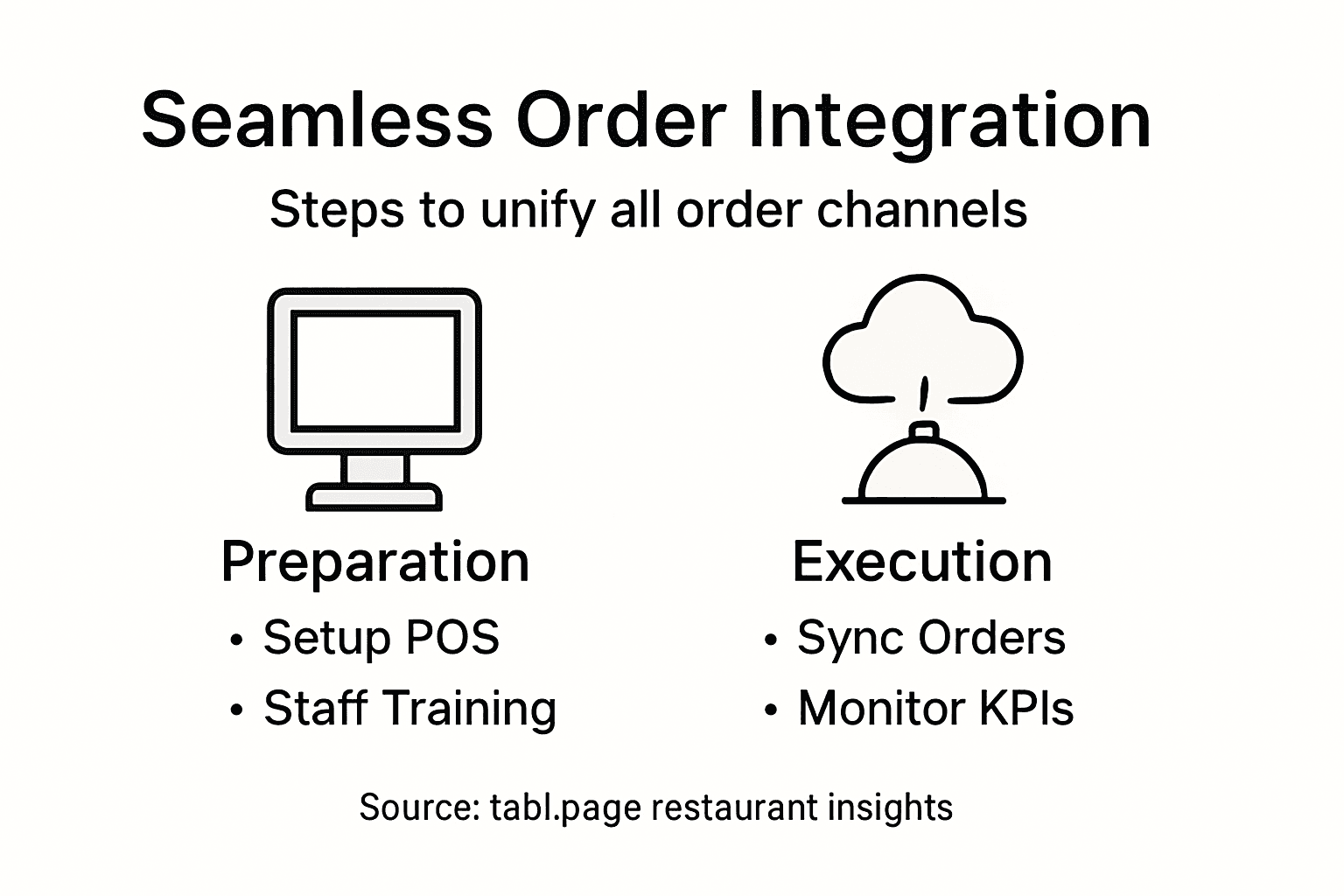
Pro Tip: Regularly monitor and analyze performance metrics from different delivery platforms to optimize your integration strategy and maximize revenue potential.
Step 3: Configure Order Routing for Kitchen and Staff
Configuring efficient order routing is critical for maintaining smooth kitchen operations and ensuring timely food preparation. By strategically mapping out how orders move through your restaurant’s workflow, you can significantly reduce processing time and minimize errors.
Begin by setting up precise order routing configurations that define exactly how different menu items are processed. Your routing system should account for various preparation requirements across different kitchen stations:
- Specify station-specific routing for each menu category
- Create dedicated paths for hot and cold items
- Establish priority levels for different order types
- Set up printer assignments for specific preparation areas
- Design backup routing options for peak hours
Implement a dynamic kitchen display system that provides real-time visibility into order status. This allows staff to track incoming orders, monitor preparation progress, and quickly respond to changing workflow demands.
Effective order routing transforms kitchen chaos into a streamlined, efficient operation.
Ensure your routing configuration supports multiple service channels, including dine-in, takeout, and delivery. Each channel may require unique routing protocols to maintain speed and accuracy.
This summary outlines how different service channels affect kitchen order routing:
| Service Channel | Routing Requirements | Typical Challenges |
|---|---|---|
| Dine-in | Station assignments, allergy checks | High order volume peaks |
| Takeout | Packaging coordination, timing sync | Accurate pickup times |
| Delivery | Third-party integration, route timing | Driver coordination |
Pro Tip: Conduct weekly reviews of your order routing performance, analyzing processing times and identifying bottlenecks to continuously optimize your kitchen workflow.
Step 4: Process and Track Orders in Real Time
Managing restaurant orders requires a sophisticated system that enables instantaneous communication and precise tracking across all service areas. By implementing a robust real-time order processing platform, you can transform your restaurant’s operational efficiency and customer experience.
Implement a real-time process management system that provides instant visibility across your restaurant’s workflow. Your tracking system should include these critical features:
- Instant order status updates
- Automated time tracking for each preparation stage
- Notifications for pending and completed orders
- Staff communication channels
- Performance monitoring dashboards
Ensure your digital tracking platform allows simultaneous monitoring by kitchen and service staff. This enables rapid response to potential delays and maintains transparency throughout the ordering process.
Real-time order tracking eliminates communication gaps and reduces potential service errors.
Design your system to handle multiple service channels seamlessly, including dine-in, takeout, and delivery. Each channel should have distinct tracking protocols that maintain operational precision and customer satisfaction.
Pro Tip: Regularly calibrate your order tracking system by comparing actual processing times against target benchmarks to continuously improve kitchen efficiency.
Step 5: Verify Order Accuracy and Complete Fulfillment
Ensuring order accuracy is fundamental to maintaining customer satisfaction and operational excellence in restaurant management. By implementing systematic verification processes, you can minimize errors and deliver consistent, high-quality service.
Deploy a comprehensive order management system that supports rigorous accuracy checks throughout the ordering process. Your verification strategy should encompass multiple critical stages:
- Cross-check ingredient specifications
- Validate order modifications
- Confirm special dietary requirements
- Verify portion sizes and presentation
- Match physical order against digital ticket
Establish digital verification checkpoints that require staff confirmation at each critical stage of order preparation. This approach creates accountability and reduces the likelihood of mistakes slipping through unnoticed.
Meticulous order verification transforms potential errors into opportunities for exceptional customer service.
Implement a systematic approach that allows staff to quickly identify and rectify discrepancies before food leaves the kitchen. Your goal is to catch and correct any potential issues before they reach the customer.
Pro Tip: Create a standardized quality control checklist that every staff member must complete before finalizing an order, ensuring consistent accuracy across all service channels.
Streamline Your Restaurant Operations with an All-in-One Digital POS Solution
Managing restaurant orders efficiently is a challenge many restaurant owners face. The article highlights key issues such as real-time order tracking, multi-channel order integration, accurate order routing, and seamless communication between kitchen and service staff. These hurdles can lead to longer wait times, order inaccuracies, and frustrated customers. Imagine the relief of solving these critical pain points with a reliable system designed specifically for restaurants.
Experience the power of a digital POS and menu system that unifies dine-in, pickup, and delivery orders while providing real-time updates to your entire team. With tabl.page, you gain an intuitive platform that simplifies menu management, integrates popular delivery services like DoorDash, and enhances order accuracy through streamlined workflows.
Discover how to empower your staff, reduce errors, and elevate your customers’ dining experience by visiting our platform. Start transforming your restaurant’s order management today with innovative tools that grow with your business.
Explore the digital POS platform that redefines restaurant operations.
Ready to take control of your restaurant orders and boost efficiency? Visit tabl.page now to get started and turn challenges into seamless operations.
Frequently Asked Questions
How can I set up a digital Point of Sale system for my restaurant?
To set up a digital Point of Sale (POS) system, first assess your current restaurant infrastructure and choose a robust digital menu management system. Ensure your selected system includes real-time order tracking, menu update capabilities, and seamless staff communication.
What features should I look for in an order routing system for my restaurant’s kitchen?
Look for features that allow you to configure station-specific routing for menu items, establish priority levels for different orders, and set up backup routing options for busy hours. These configurations will help streamline kitchen operations and reduce errors, leading to faster service delivery.
How can I effectively integrate multiple ordering channels?
To integrate multiple ordering channels, implement a unified ordering system that consolidates orders from various platforms. Choose a POS solution that seamlessly connects with popular delivery services to ensure consistent service quality and minimize errors.
What steps can I take to verify order accuracy before fulfillment?
To ensure order accuracy, create digital verification checkpoints at each critical stage of order preparation. Use a standardized quality control checklist that staff must complete before finalizing an order to catch any discrepancies early in the process.
How can I track orders in real-time to improve service efficiency?
Implement a real-time order processing management system that provides instant updates on order status and automated tracking for each preparation stage. This ensures transparency among kitchen and service staff, allowing for quick responses to any potential delays in service.
What is the best way to train my staff on a new digital ordering system?
Focus on comprehensive training that covers all aspects of the new digital ordering system, including its key features and interfaces. Consider conducting a pilot test with a small group of staff to identify challenges and provide targeted training before full implementation.